Have you ever wondered why some WordPress websites rank consistently on Google while others struggle even after publishing great content? The difference is often not content quality alone, but how well the site is optimized behind the scenes. WordPress is SEO-friendly by nature, but without the right plugins, you leave a massive amount of ranking potential untapped.
SEO plugins help WordPress users handle technical optimization, on-page SEO, performance improvements, schema markup, internal linking, and content optimization without needing advanced coding skills. In 2026, search engines will rely heavily on site structure, page experience, semantic relevance, and technical clarity. Using the right SEO plugins ensures your WordPress site meets these expectations.
This guide walks you through the 13 best WordPress SEO plugins that can significantly improve your site’s rankings, visibility, and organic traffic. Each plugin is explained in detail so you can understand what it does, why it matters, and when you should use it.
As an SEO expert advising WordPress users and website owners, I define WordPress SEO as the combination of technical SEO, on-page SEO, content strategy, and tooling that helps optimize your site and improve your ranking in the search engine results. A WordPress site benefits from SEO best practices such as structured data, fast performance, and mobile optimization to improve site visibility and improve user experience.
Core to implementation are WordPress plugins — notably a dedicated SEO plugin or WordPress SEO plugin like Yoast SEO, Yoast SEO premium, one SEO, or the best SEO plugin for WordPress. These tools for WordPress include an SEO writing assistant, content analysis tool, keyword research tool and seo settings that help you optimize your site. A free version of an seo plugin for WordPress covers essentials, while premium tiers and tools like Semrush or the Semrush SEO Writing Assistant provide comprehensive SEO analysis and a comprehensive SEO approach.
To boost your SEO and optimize your website, conduct an SEO audit to evaluate SEO factors, use the right tools, and follow best practices. For e-commerce, prioritize WooCommerceSEO. The best practice mix of SEO features, strategy, and a powerful tool or SEO plugin like the top options will help you optimize your site and attract organic traffic that SEO professionals and SEO experts expect.
In WordPress, a comprehensive approach to SEO is critical because CMS flexibility demands a targeted SEO strategy and continuous monitoring with an appropriate SEO tool. From the WordPress dashboard, you can access WordPress SEO plugins and tools and configure SEO features that address site speed, schema, and on‑page signals—core SEO factors that SEO professionals prioritize to boost your SEO and improve SEO performance. Selecting the best WordPress SEO plugins or the best SEO plugin for WordPress—and comparing lists such as the 13 best WordPress SEO plugins or other 13 best curated sets—helps implement both essential SEO and advanced SEO tactics.
Practical implementation includes integrating a keyword research tool, a content analysis tool, or an SEO writing assistant, and auditing your WordPress theme for speed and markup compatibility. Whether you choose the best SEO plugins, SEO plugins for WordPress, or other tools for WordPress, following SEO best practices and the 13 ways to improve your site will measurably improve site visibility and climb SEO rankings among the top WordPress implementations.

Begin by installing a WordPress plugin that covers core needs: a suite of SEO tools, such as access to Yoast seo or one of the top wordpress seo plugins. These plugins and tools for WordPress let you optimize your WordPress site and improve crawlability, meta tags, sitemaps, and schema. An seo plugin that combines analysis, redirect management, and an SEO writing assistant plugin or SEO writing assistant tool helps craft targeted website content that ranks better.
Next, enable local SEO features if relevant, and start using tools and analytics within your dashboard: within your WordPress dashboard, you can run audits and get recommendations. Choose from a list of the best and best WordPress plugins for SEO based on your site size; the popular WordPress options are often one of the best SEO picks. An expert pick of the best emphasizes tools on your side: SEO tools that provide actionable data. Let these plugins can help you improve your seo using both plugins also and human tools and the knowledge.
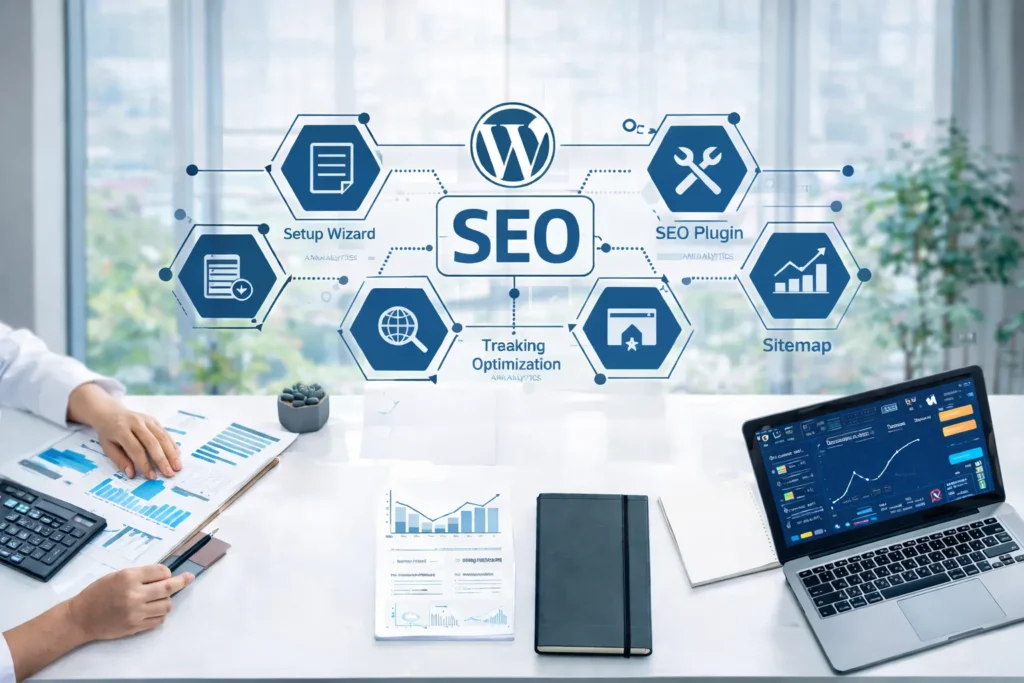
On-page optimization with a WordPress SEO plugin begins with a systematic audit of content, technical metadata, and site structure; configure the plugin to enforce canonical tags, XML sitemaps, and schema markup while validating hreflang and robots directives. Remember that seo plugins can help by automating title and meta-description templates, suggesting keyword placement, and providing readability and technical checks, but they are tools—expert oversight ensures alignment with user intent and conversion goals.
Implement granular controls for individual posts and taxonomies: optimize headings, image alt attributes, and internal linking, and leverage the plugin’s content analysis to tune keyword density and latent semantic keywords. Monitor performance with integrated analytics and iterate based on click-through and engagement metrics, recognizing that seo encompasses a broad set of practices spanning on-page, technical, and off-site efforts; a plugin optimizes on-page signals but must be part of a comprehensive SEO workflow to deliver sustained rankings and traffic growth.
Technical SEO implementation in WordPress begins with a robust foundation: install a performant SEO plugin, enforce SSL, create and submit an XML sitemap, and configure robots.txt to control crawler access. Audit and optimize site speed via caching, image compression, lazy loading, and a CDN, while minimizing render-blocking resources and leveraging server-level compression and HTTP/2.
Next, focus on crawlability and indexing by implementing proper canonical tags, avoiding thin or duplicate content, and using structured navigation to preserve your crawl budget. Add schema markup (structured data) for rich results, validate with testing tools, and ensure pages adhere to mobile-first indexing standards through responsive themes and core web vitals optimization. Finally, maintain continuous monitoring with server logs, Search Console, and performance audits to iterate on technical fixes and align WordPress configuration with evolving search engine requirements.
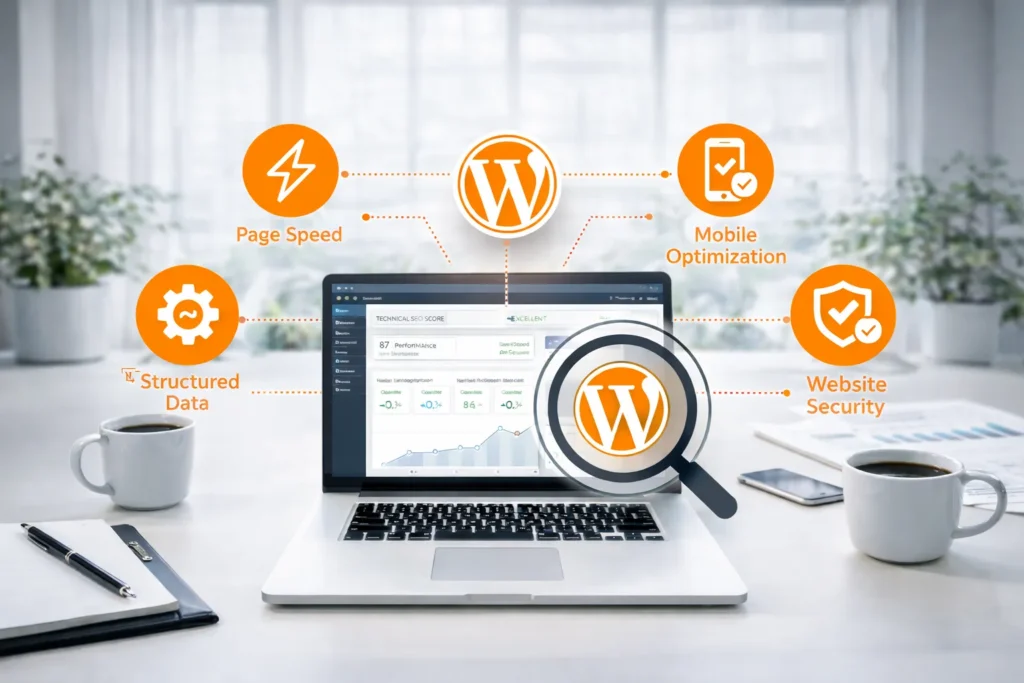
Maintaining long-term SEO effectiveness for a WordPress site requires a disciplined, layered approach: prioritize technical SEO by optimizing site speed, enforcing clean permalinks, implementing canonical tags and a comprehensive XML sitemap, and ensuring strong security practices to prevent downtime and indexing issues. Use a reputable SEO plugin to manage meta elements, and regularly audit robots.txt and indexability settings to avoid accidental deindexing.
Equally critical is content and UX: produce authoritative, topical content calibrated to user intent, enforce consistent schema markup and structured data, and maintain robust internal linking to distribute authority. Continuously monitor Core Web Vitals, mobile-friendliness, backlink quality, and search analytics; iterate based on data and algorithm shifts, limit unneeded plugins to reduce bloat, and schedule periodic technical and content audits to sustain ranking resilience.
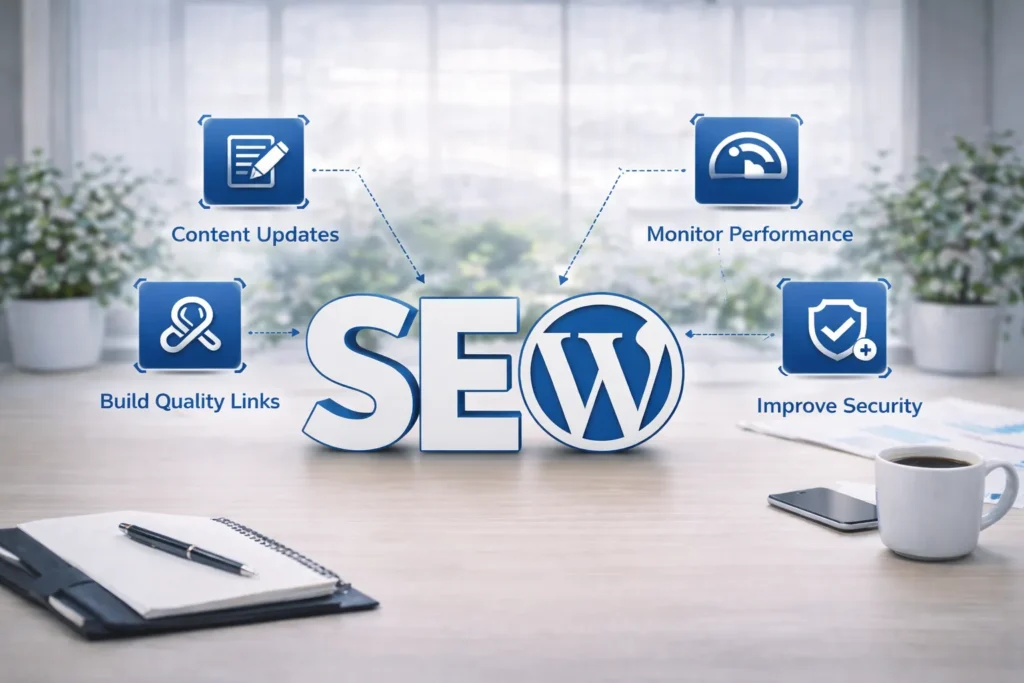
Start by installing a reputable SEO plugin for WordPress (e.g., Yoast, Rank Math) and complete the guided setup to configure site-wide defaults like meta tags, indexation rules, and social previews. Learn the plugin’s content analysis features and set a primary focus keyword for each post to receive actionable suggestions on title tags, meta description length, and keyword density.
Use the XML sitemap and robots.txt controls to ensure search engines can discover important URLs while blocking low-value pages; submit the sitemap to Google Search Console. Implement canonical URLs to prevent duplicate content issues and enable automatic redirects when URLs change.
Finally, integrate structured data (schema markup) through the plugin to enhance rich results, audit performance impacts, and regularly review plugin recommendations against analytics to refine on-page optimization and technical SEO over time.
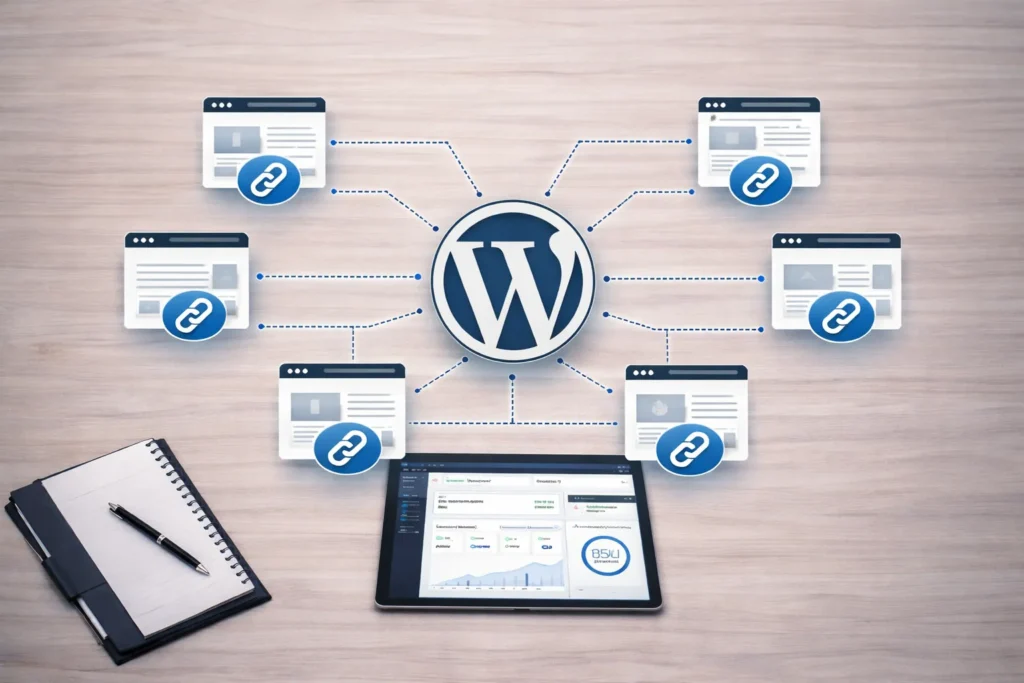
To effectively improve internal linking, begin by auditing your site to identify orphan pages and high-value hubs; use automated crawlers to map current site architecture and flag opportunities for strategic connections. Prioritize creating descriptive anchor text that reflects target keywords while remaining natural to users, and place links contextually within body content where they add real value and relevance.
Implement a logical linking hierarchy or siloing approach so topical clusters consolidate link equity and guide both users and crawlers toward conversion pages. Maintain reasonable link depth—key pages should be reachable within a few clicks from the homepage—to optimize crawlability and indexing. Regularly monitor performance metrics such as internal click-through rates and organic visibility to refine internal link distributions, and establish governance rules for when and how new content receives internal links to sustain long-term SEO gains.
In 2025, a robust SEO content strategy is no longer optional but foundational for sustainable digital visibility. Search engines increasingly prioritize relevance, search intent, and content quality signals such as E‑E‑A‑T (experience, expertise, authoritativeness, trustworthiness), so planning content around measurable user needs ensures pages rank for high-value queries and convert organic traffic into outcomes.
Moreover, the integration of generative AI and conversational interfaces has changed how users discover information; a strategic approach aligns content formats, topical depth, and voice with these new consumption patterns while guarding against thin or duplicate AI-generated pages. Technical considerations—structured data, site performance, and crawlability—must be baked into the editorial roadmap to maximize indexation and rich-result eligibility.
In short, an intentional SEO content strategy in 2025 reduces risk, amplifies ROI on content investment, and creates a defensible competitive advantage by systematically matching authoritative, user-centered content to evolving search ecosystems.

On a WordPress site, improving SEO begins with technical fundamentals: implement a lightweight theme, enable caching, and optimize images for faster load times to enhance site speed—a critical ranking signal. Ensure mobile optimization and use an SSL certificate to secure pages and improve trust signals to search engines.
Next, leverage platform-specific tools: configure an SEO-focused plugin to manage meta tags, generate an XML sitemap, and create clean permalinks. Apply structured data via schema markup to improve SERP visibility and rich results.
Finally, craft authoritative content around targeted keywords, use descriptive alt text for images, and build quality backlinks. Regularly audit the site for broken links and duplicate content, and monitor performance with analytics and Search Console to iteratively refine your SEO strategy.
To boost your WordPress presence, implement a comprehensive SEO strategy that leverages platform-specific SEO features and addresses core SEO factors such as technical performance, site architecture, and mobile responsiveness. Begin with a robust keyword research tool to identify intent-driven terms and use a content analysis tool to optimize headings, metadata, and internal linking; these steps directly improve site relevance and user experience. Choose top WordPress plugins that enforce best practices and speed, and monitor logs to resolve crawl issues promptly.
Collaborate with SEO professionals when scaling efforts to interpret data and refine strategy, since their expertise accelerates gains in seo rankings while maintaining sustainable, long-term visibility.
Because WordPress provides a flexible content platform but not an out-of-the-box optimization engine, professional sites rely on SEO plugins to implement technical best practices efficiently. These tools automate critical tasks—generating XML sitemaps, managing canonical tags, and producing structured schema markup—reducing manual errors and ensuring search engines correctly index content.
They also centralize on-page optimization: editable meta titles and descriptions, content analysis for keyword use, and social preview controls that improve click-through rates. Performance-aware plugins can defer scripts and optimize metadata to protect page speed, while integration with analytics and search consoles provides actionable insights for iterative improvement. In short, SEO plugins convert raw WordPress capability into a measurable, scalable strategy for visibility, accessibility, and sustainable organic growth.
Section 1: Begin with rigorous keyword research and audience mapping to define content pillars and URLs; align metadata, title tags, and headings with target intent while avoiding keyword stuffing.
Section 2: Implement robust technical SEO—ensure fast page speed, mobile-first responsive design, clean crawlability via an optimized robots.txt and XML sitemap, and canonicalization to prevent duplicate content.
Section 3: Produce authoritative, well-structured content using semantic HTML, internal linking to boost topical clusters, and schema markup for rich results; prioritize user experience and E-A-T (expertise, authoritativeness, trustworthiness).
Section 4: Establish a promotion and measurement plan: build high-quality backlinks, leverage social amplification, and monitor performance with analytics and Search Console to iterate on content and technical fixes for sustained organic traffic growth.

To elevate your SEO efforts, begin with a rigorous foundation: conduct comprehensive keyword research that maps intent across the funnel, audit on-page elements for title tags, meta descriptions, and heading structure, and resolve basic technical SEO issues like crawl errors, canonicalization and XML sitemaps to ensure search engines index your highest-value pages.
Next, optimize for relevance and authority by developing a disciplined content strategy that prioritizes topical clusters, original research, and long-form assets that attract natural backlinks; pair this with a proactive link-building program focused on editorial placements and high-quality partnerships rather than volume.
Finally, measure and iterate: track organic KPIs with robust analytics, set experiments for UX improvements that affect dwell time and conversions, and optimize for site speed and mobile performance. Implement structured data like schema markup to enhance SERP presence and use A/B testing to validate hypotheses—continuous measurement and prioritized technical and content fixes will move SEO from tactical to strategic.
As an expert, I recommend a pragmatic checklist to elevate SEO on your WordPress site:
Finally, focus on continuous content strategy and authority building: publish high-quality, intent-focused content, use internal linking to distribute page value, and pursue relevant backlinks. Monitor performance with analytics, iterate based on data, and apply targeted A/B tests to maximize organic visibility and conversions.
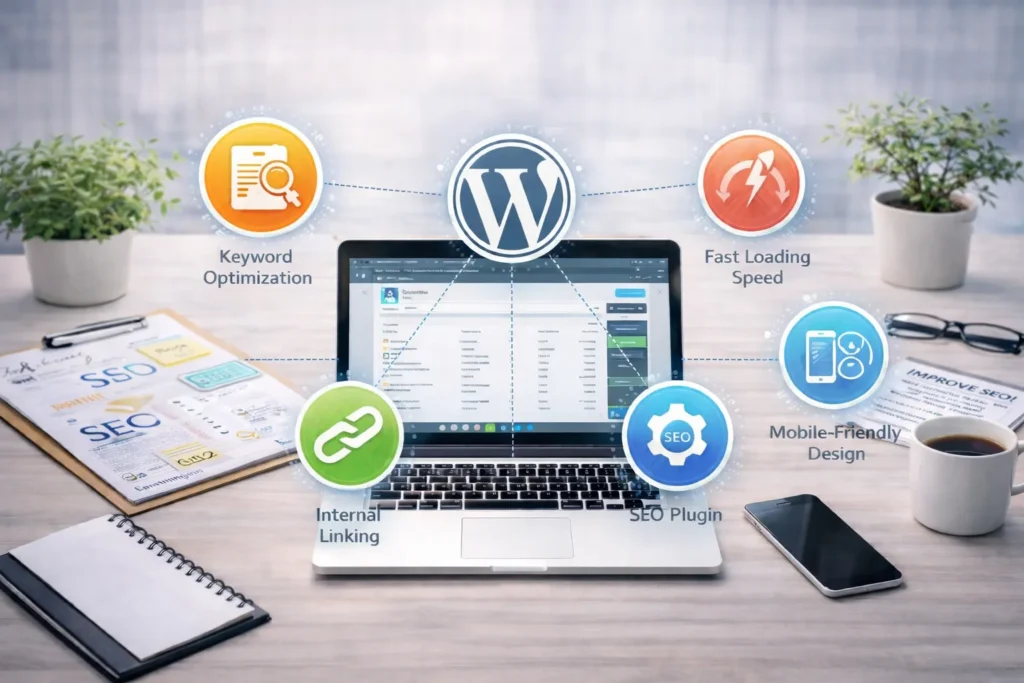
13 Best SEO Plugins for WordPress empower site owners and developers to optimize content, metadata, and technical signals without deep engineering overhead. Leading choices such as
Choosing among the 13 Best SEO Plugins for WordPress requires evaluating site size, hosting, technical expertise, and feature overlap; often, a focused combination of an SEO suite, a caching solution, and a schema/link tool yields the most measurable gains.
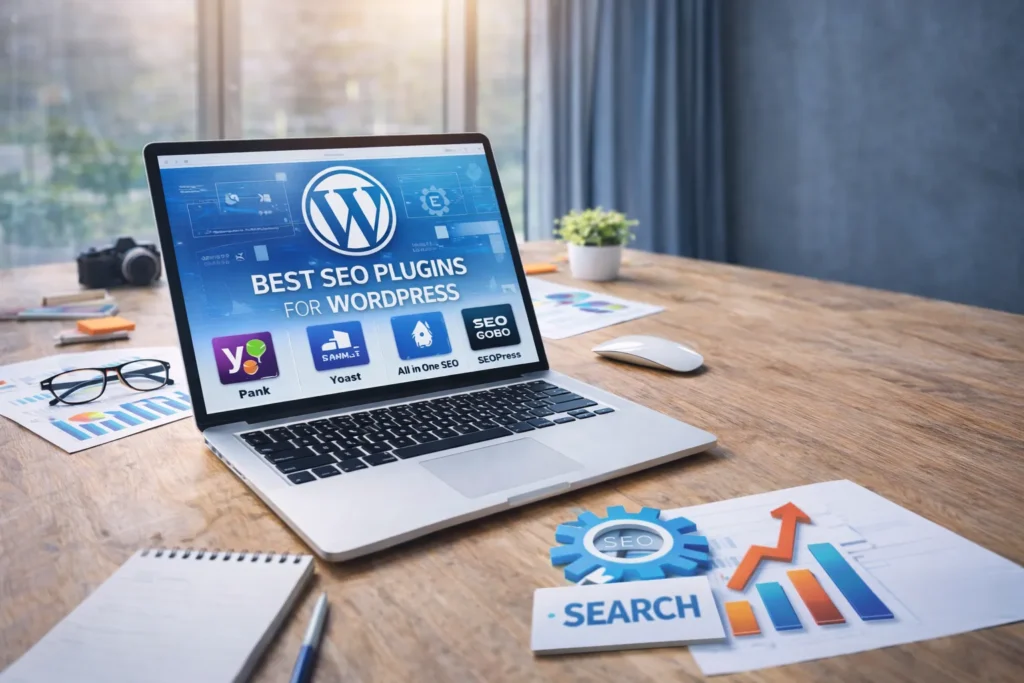
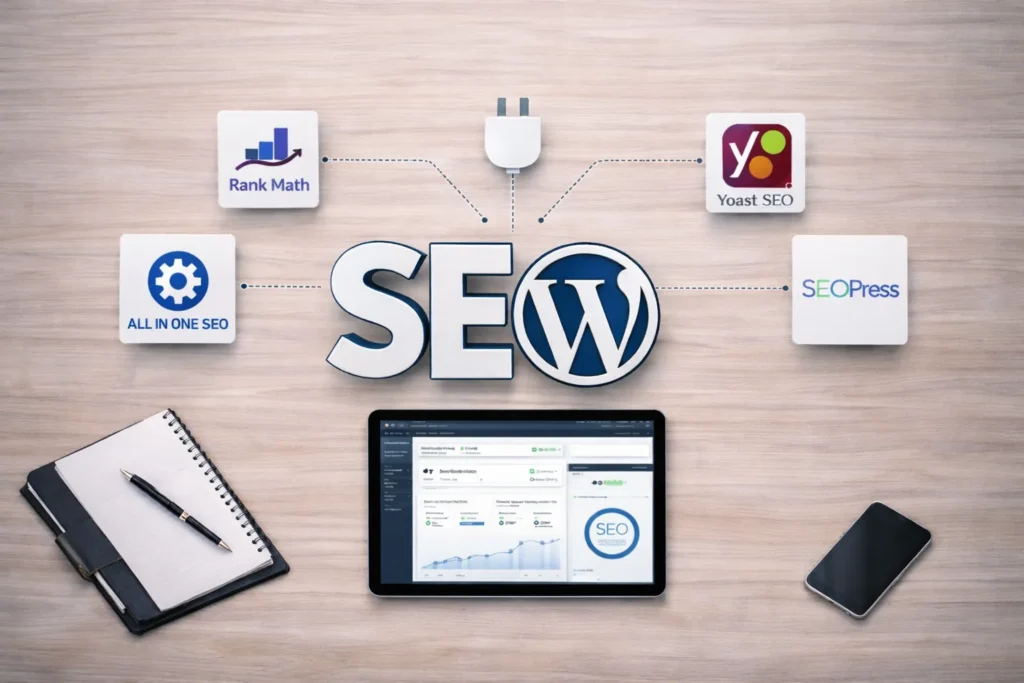
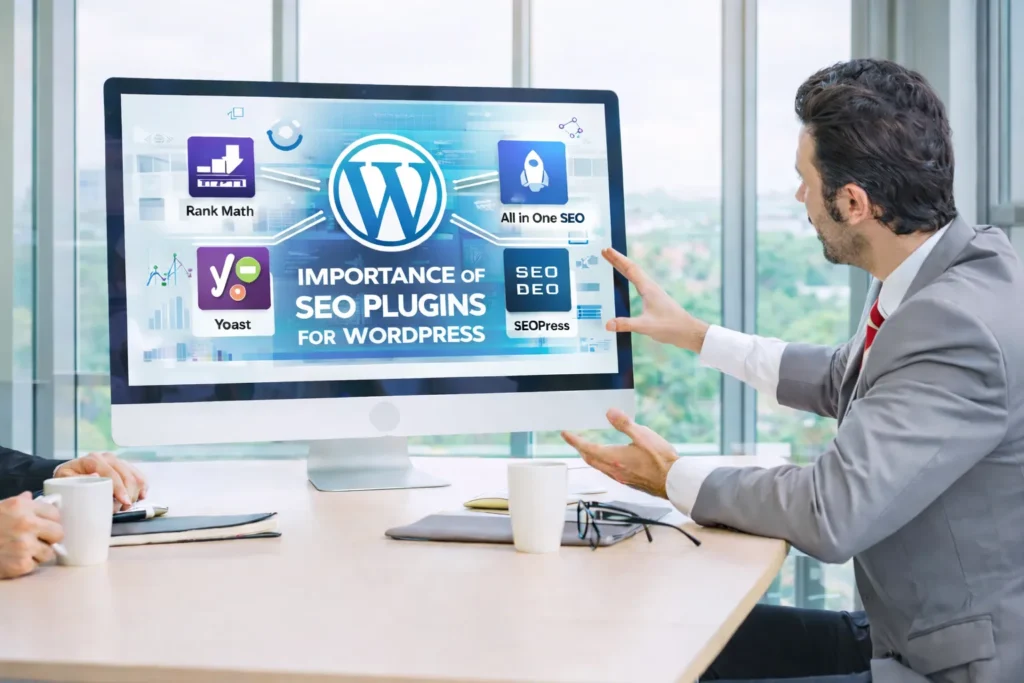
For professionals optimizing WordPress sites, a pragmatic stack combines on‑page intelligence and external analytics: Yoast SEO remains indispensable for content structure and XML sitemaps, while Rank Math offers modular features and schema flexibility for advanced implementations.
Complementary plugins like All in One SEO and SEOPress deliver performance‑oriented alternatives with white‑labeling and custom metadata controls that scale across multisite deployments. Technical optimization should leverage server‑level insights together with plugin capabilities to reduce render‑blocking resources and improve Core Web Vitals.
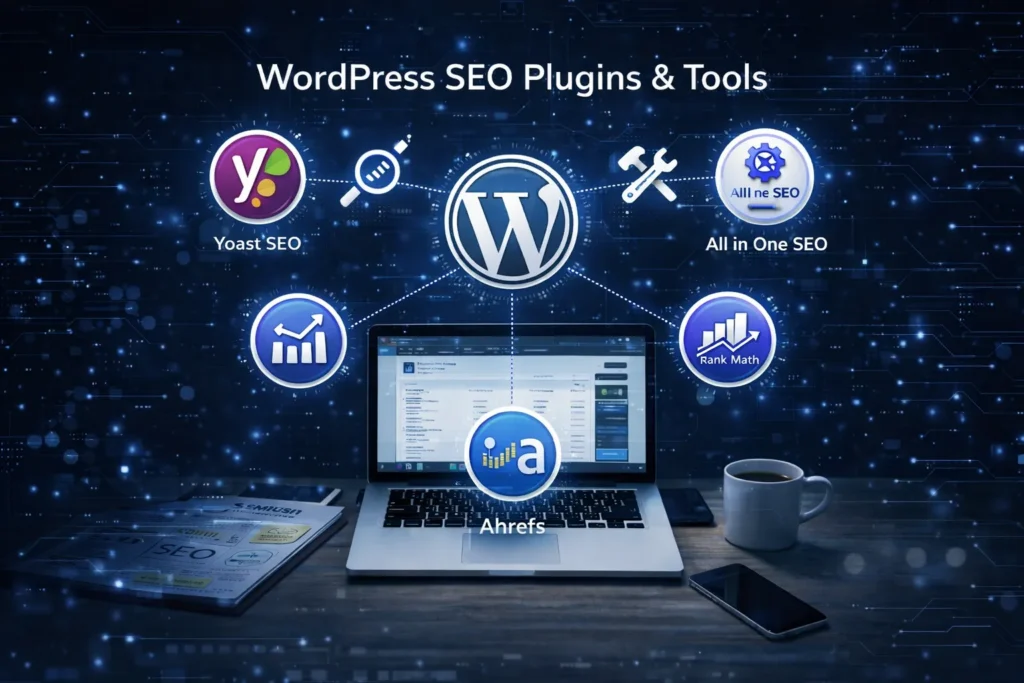
Integrate these tools with external platforms—Google Search Console and Google Analytics for measurement, and paid suites such as Ahrefs or SEMrush for backlink and keyword research—to form a closed‑loop workflow: audit, implement, monitor, iterate. This combination provides an expert, maintainable approach to WordPress SEO that balances usability, performance, and data‑driven decision making.
In an expert assessment, GEO is unlikely to completely supplant WordPress SEO because core principles — technical performance, content relevance, and backlink authority — remain platform-agnostic and continue to be enforced by search engines.
However, GEO introduces advanced, location-aware signals and machine-learning enhancements that can materially augment ranking precision for geographically sensitive queries, so it will become a critical complementary layer rather than a wholesale replacement.
Practically, the optimal strategy is integration: evolving WordPress SEO implementations to consume GEO signals, preserve established on-site best practices, and leverage both systems to maximize discoverability and user intent alignment.

In practice, relying solely on a plugin for search visibility risks oversimplifying the complex dynamics of SEO; these tools are powerful for automation and diagnostics but cannot replace strategic judgment.
First, many optimization tools surface recommendations without contextualizing business goals, audience intent, or competitive landscape, so implementation requires expert interpretation.
Second, limitations in data quality, crawlability and indexation mean that automated audits can miss architectural or content-significance issues that affect rankings, while frequent algorithm updates demand ongoing human-led adaptation. Ultimately, combine plugins with rigorous analytics, thoughtful content strategy and periodic manual audits to translate signals into sustainable organic growth rather than treating software as a turnkey solution.

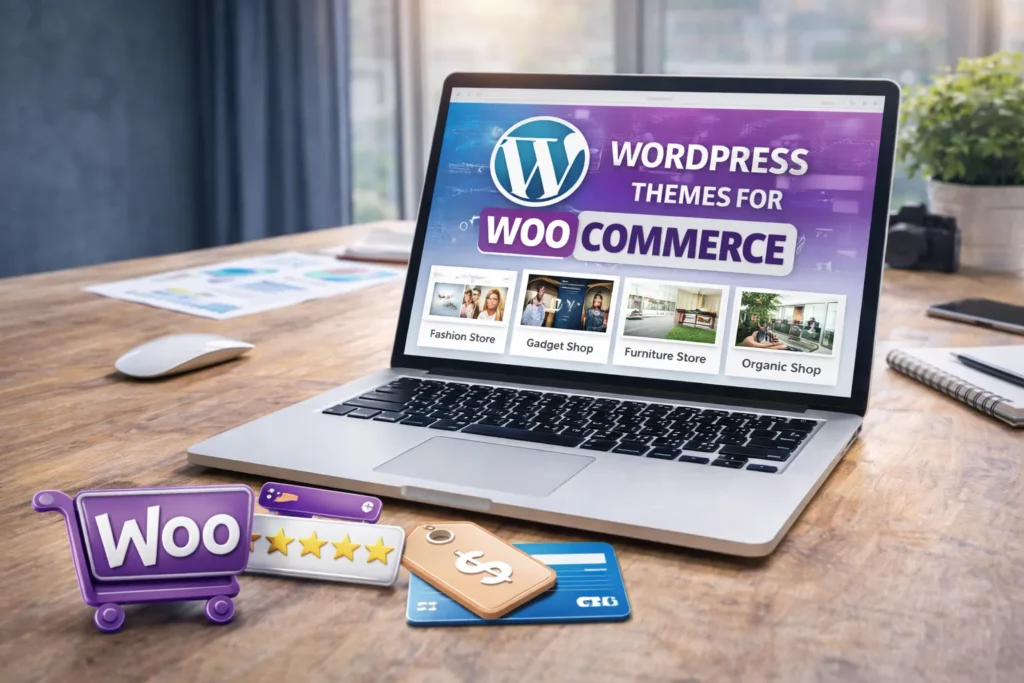
As an e-commerce specialist, I recommend five reliable options that balance performance, customizability, and WooCommerce-specific features: Astra for its lightweight architecture and deep WooCommerce integration; Flatsome when you need a pixel-perfect, conversion-focused design with a built-in page builder; and OceanWP for extensive extension compatibility and flexible product-layout controls.
For teams prioritizing speed and developer-friendly markup, GeneratePress provides a modular approach with schema-ready output and minimal overhead; whereas Storefront, maintained by the WooCommerce team, guarantees native compatibility and predictable updates.
Choose based on technical requirements: favor GeneratePress or Astra for performance-driven shops, Flatsome for high-conversion UX needs, and OceanWP or Storefront when ecosystem extensibility and official support matter most.
Optimizing a WordPress site for SEO requires more than publishing content. The right SEO plugins help manage technical SEO, content optimization, performance, structured data, and internal linking efficiently. Each plugin in this guide serves a specific purpose, and together they create a strong SEO foundation.
Rather than installing every plugin available, focus on choosing the tools that align with your site’s goals. When used correctly, these 13 WordPress SEO plugins can dramatically improve search visibility, user experience, and long-term organic growth.
Read more about: Guide to local SEO: Local SEO for Small Business Strategies



350+ Satisfied Clients
Let’s talk about what you’re building and how we can help. No pressure — just a quick conversation to see if we’re a good fit.
Book a Call© 2026 Metket. All rights reserved.
